Software with
a physical address.

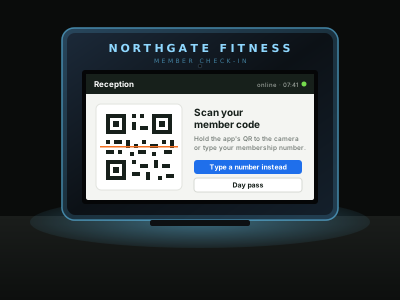
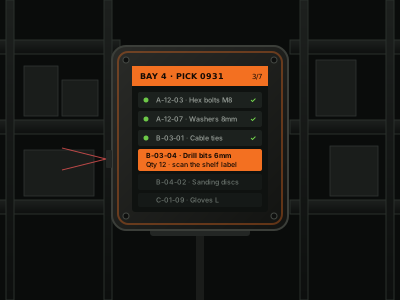
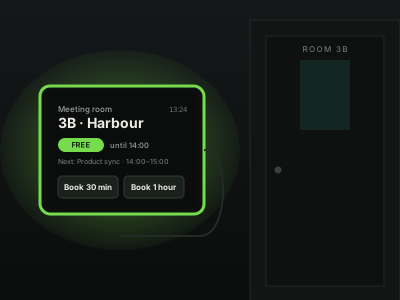
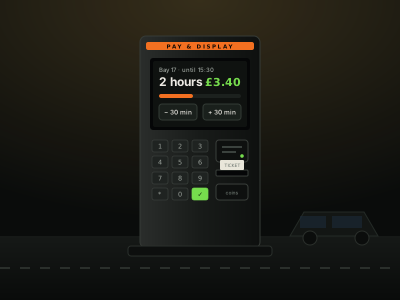
Every one of these is the same problem wearing different hardware: a screen in a place you don't control, doing one job, that has to keep working when the internet doesn't — and that somebody has to be able to fix from two hundred miles away.

01 / Retail & hospitality

Point of sale.

A till is the least forgiving device there is. It has to take money during a broadband outage, print a receipt in under a second, open a drawer, and never show a stack trace to a customer holding a coffee.

NeedsProvided by
Works with the line downarda.db · arda.sync
Thermal receipts, cash drawerarda.printer
Scanners and payment terminalsarda.usb
Locked to one applicationKiosk surface, no browser chrome
Price and menu changesSync profiles with delta gating
Remote support at a busy siteConsole · screenshot · shell
sale.js till
async function completeSale(sale) {
  // Local first — this never waits on the network
  const db = await arda.db('sales')
  await db.put(sale.id, sale)

  // Durable queue — replays when the link returns
  await arda.sync.push({ type: 'sale', ...sale })

  const printer = await arda.printer.default()

  try {
    await printer.receipt({ lines: render(sale), cut: true })
    await printer.drawer()
  } catch (err) {
    if (err.code === 'PRINTER_OFFLINE') {
      ui.toast('Receipt queued — check the printer')
    }
  }
}
kiosk.js self-service
// Return to attract mode when nobody is there
let idle

function resetIdle() {
  clearTimeout(idle)
  idle = setTimeout(() => ui.attractMode(), 90000)
}

document.addEventListener('pointerdown', resetIdle)

// Order number to the kitchen, ticket to the customer
const order = await arda.sync.push({ type: 'order', ...basket })

await arda.printer.receipt({
  lines: ['ORDER', `#${order.number}`],
  size:  'large',
})

// Screen off overnight, on before opening
await arda.system.display({ on: '07:30', off: '23:00' })
02 / Self-service

Ordering &
check-in kiosks.

A kiosk is used by people who have never seen it before and won't read anything. It needs to be fast, obvious, impossible to escape from, and quietly resilient when a customer walks away mid-order.

  1. 01
    No way outOne full-screen surface. No address bar, no gestures to a desktop, nothing to minimise.
  2. 02
    Attract modeIdle detection returns the screen to its loop so the next customer sees a start point.
  3. 03
    Tickets and receiptsOrder numbers to the counter and the kitchen through the same printer API.
  4. 04
    Menu updatesPush a new catalogue centrally; every kiosk picks it up without a site visit.
03 / And the rest

Same platform,
different job.

The pattern generalises. If the device has a screen, a network connection and something physical attached to it, the shape of the solution is the same.

Digital signage

Scheduled media on inexpensive players. Content cached locally so a dropped line means yesterday's playlist rather than a black screen, with central scheduling and proof-of-play reporting.

storage · sync · system

Attendance terminals

Badge scanning, PIN entry and on-device face matching for clock-in and clock-out. Biometric templates stay on the hardware — nothing is sent anywhere to be recognised.

camera · face · sync

Industrial panels

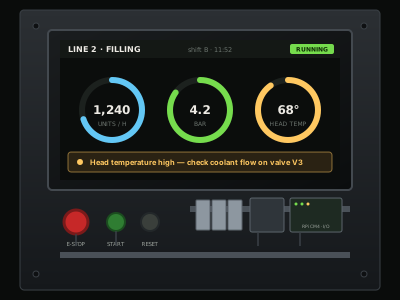
Operator interfaces wired to relays, sensors and interlocks. Digital inputs debounced in the runtime, outputs pulsed safely, and an interface a shift worker can read at a glance.

gpio · db · system

Queue & wayfinding

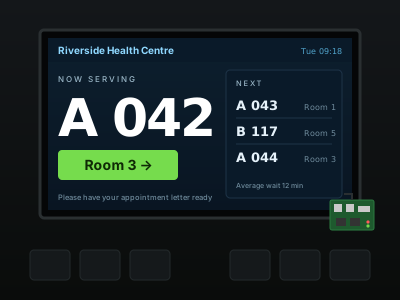
Ticket displays, now-serving boards and directory screens in clinics, councils and service centres — driven by the same data your counter staff are working from.

sync · audio · display

Raspberry Pi products

The gap between a working prototype and something you can sell is deployment, updates and support. That gap is exactly what ArdaForm fills for board-based products.

gpio · camera · fleet

Access & entry

Door controllers, barrier panels and visitor sign-in — reading a code, driving a relay, and recording who came through even when the network is out.

gpio · camera · db
04 / Audience

Who this
is for.

Four kinds of team keep arriving at the same problem from different directions.

Web developers

You can build the interface already. What you don't want to build is a Linux provisioning story, an update mechanism and a support tool.

Device businesses

You sell hardware with software on it, and every new customer site currently costs you a day of setup and a lifetime of phone calls.

System integrators

You install and support other people's systems across dozens of locations, and you need one way to see all of them.

Software vendors

You need your application to run on customer-controlled hardware without shipping your source code alongside it.

Get started

Building something
like this?

Tell us what you're making. Early access is being handed out in batches, and what people describe genuinely shapes what gets finished first.